Billing & Quota Query (Regular User)
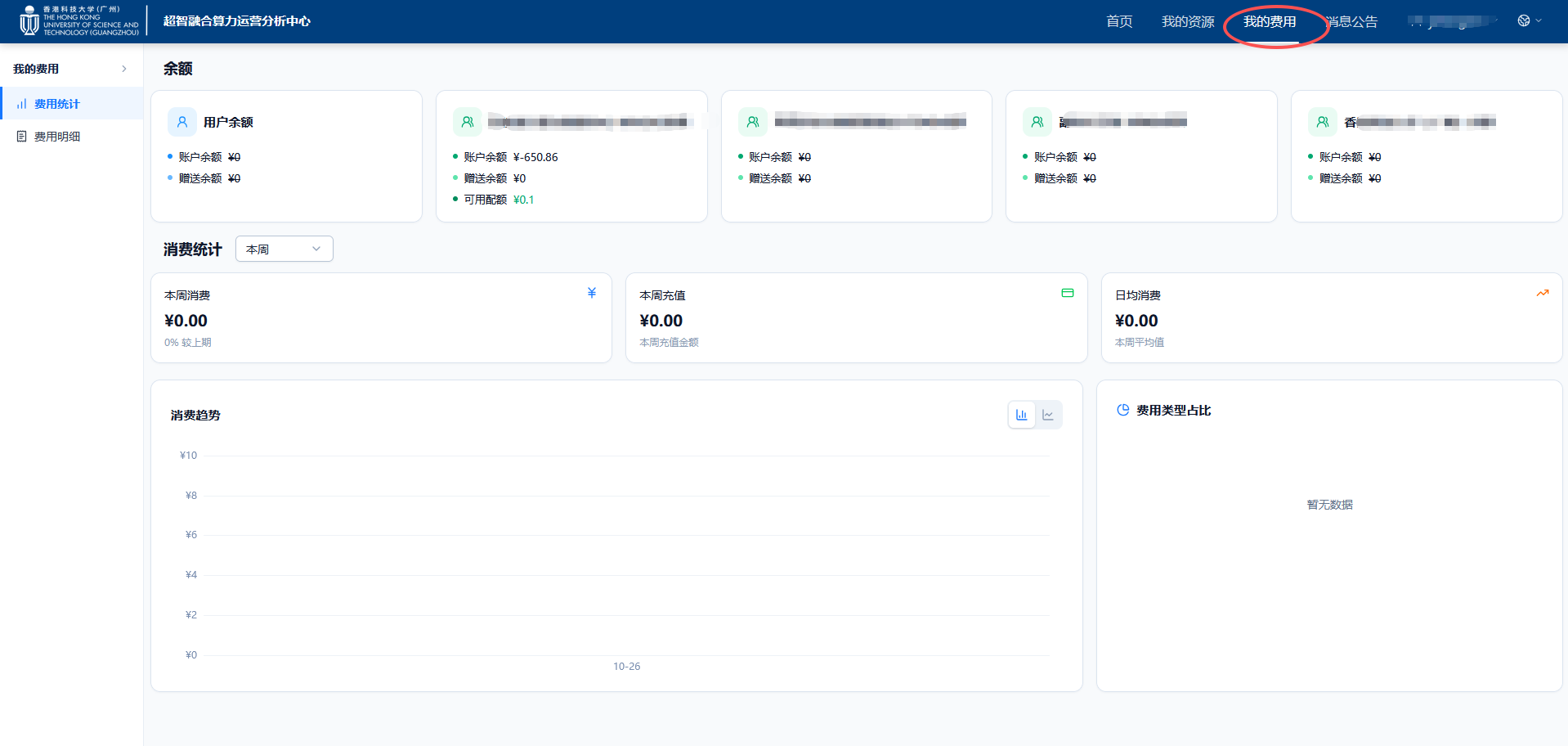
Platform Login
Log in to the Operations Analytics Platform User portal, and click the 【My Fees】 icon at the top.
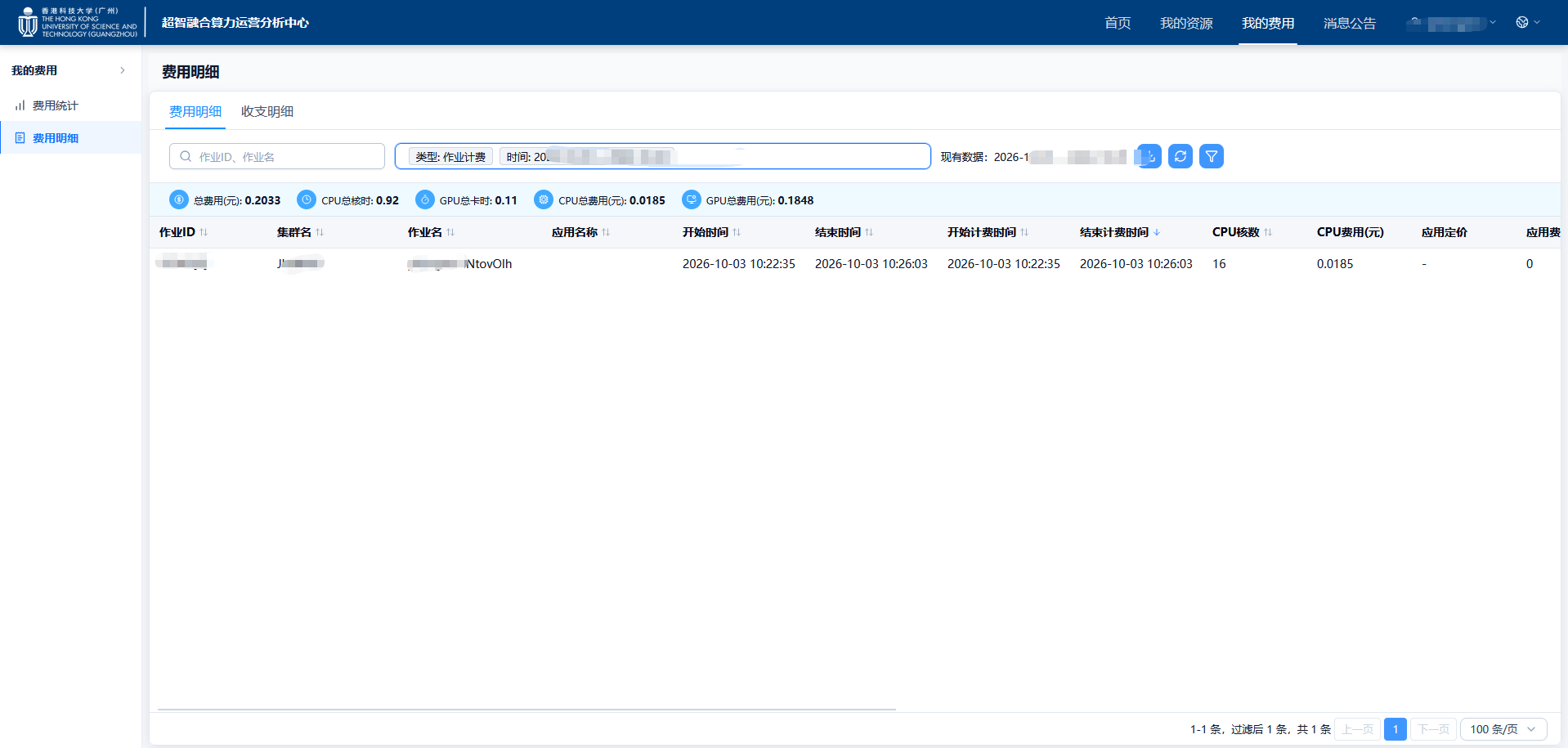
Billing Details Query
Click 【Billing Details】 on the left to query fee details for a specified time period.
info
- Job billing: Phase II (SLURM+AI) jobs, Phase III and Phase IV SLURM jobs
- K8S billing: Phase III and Phase IV AI jobs
- Storage billing: Phase II, Phase III, and Phase IV storage fees
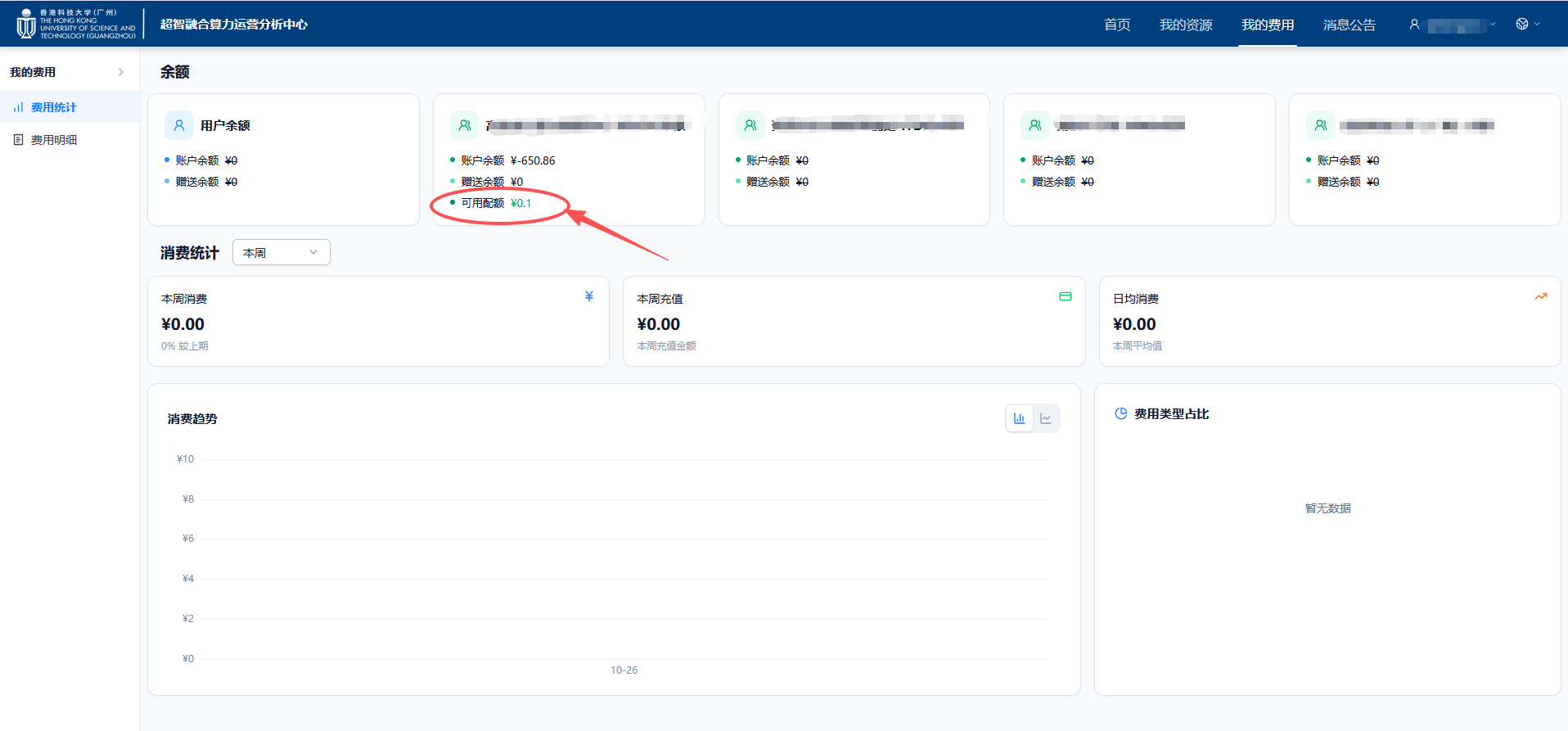
Available Quota Query
If the team admin (advisor) enables quota control for their users, regular users can view their current available quota on the page.
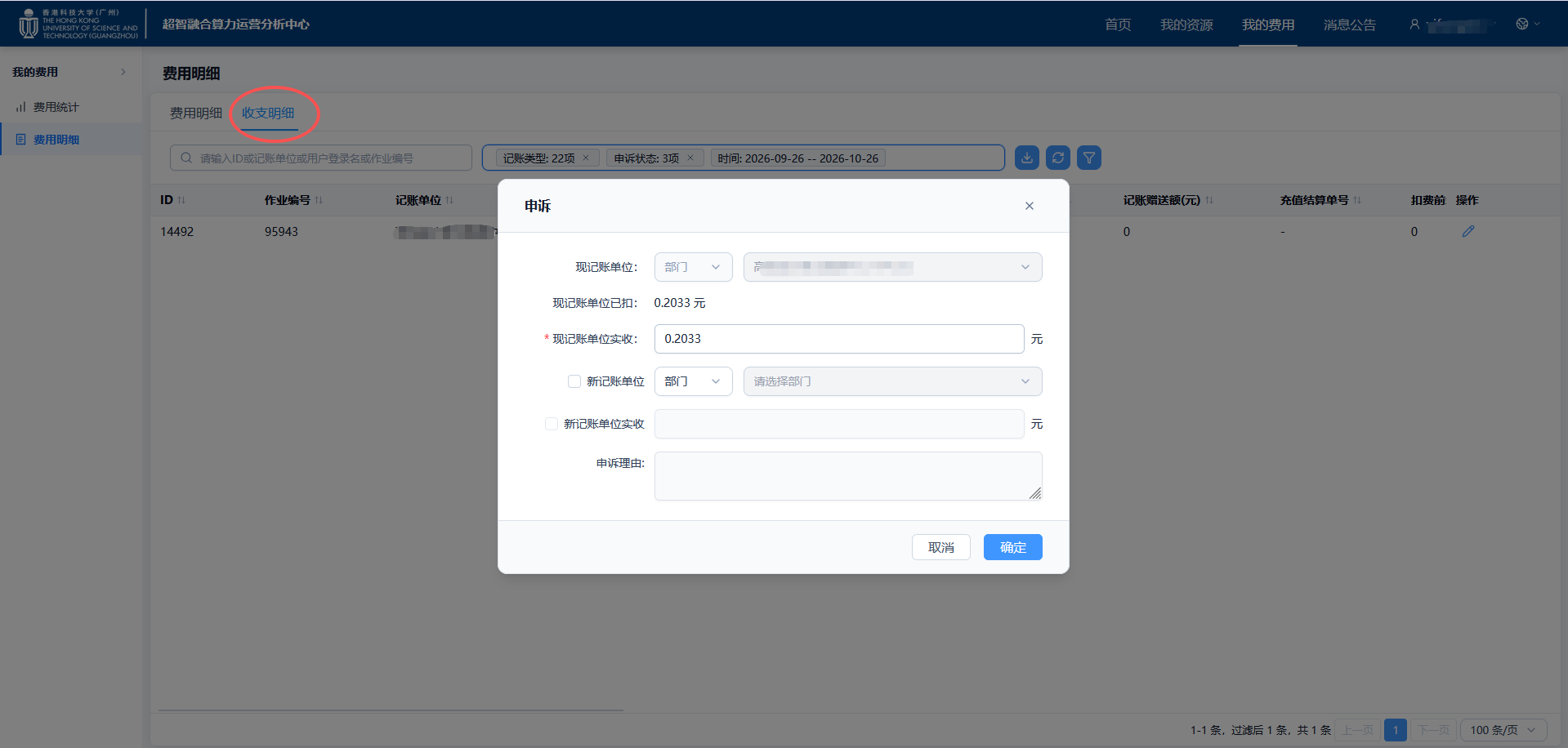
Fee Appeal
- Click 【Income & Expense Details】, then click "Fee Appeal" on the right.
- You can request a reduction or adjustment of fee details, or change the billing department.