Job Runtime Extension
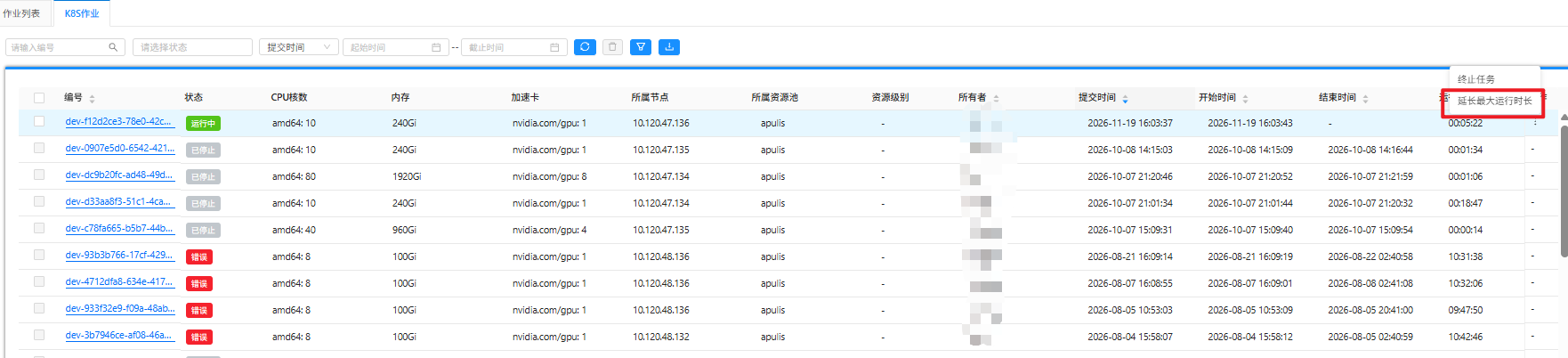
By default, jobs have a maximum runtime of 7 days. If you need to run long-running jobs, you must manually extend the maximum runtime.
Log in to the HPC Platform Portal → Job Management → Click Extend Maximum Runtime (can be extended up to 7 days).
If the runtime is still insufficient after manual extension, please submit a support ticket to request an administrator to extend the runtime.