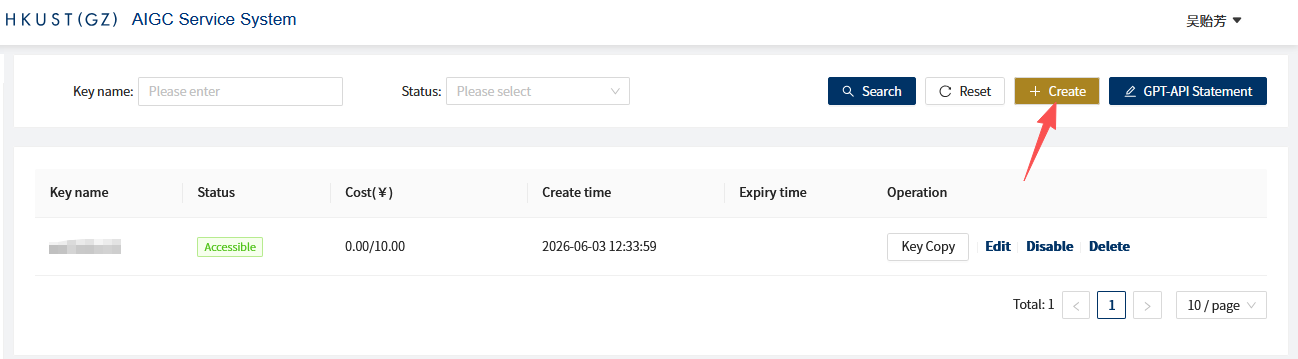
Staff members can manually disable/enable or delete keys
Staff members can set a cost limit for a key; it will be automatically disabled once the limit is exceeded
Staff members can set an expiration date for a key; it will be automatically disabled once the date passes
For keys created for research group students, RAs, or courses, it is recommended to use one key per person (one person, one key) and distinguish them clearly by name
When students graduate, RAs leave the research group, or courses end, disable or delete the keys promptly.